
Overview
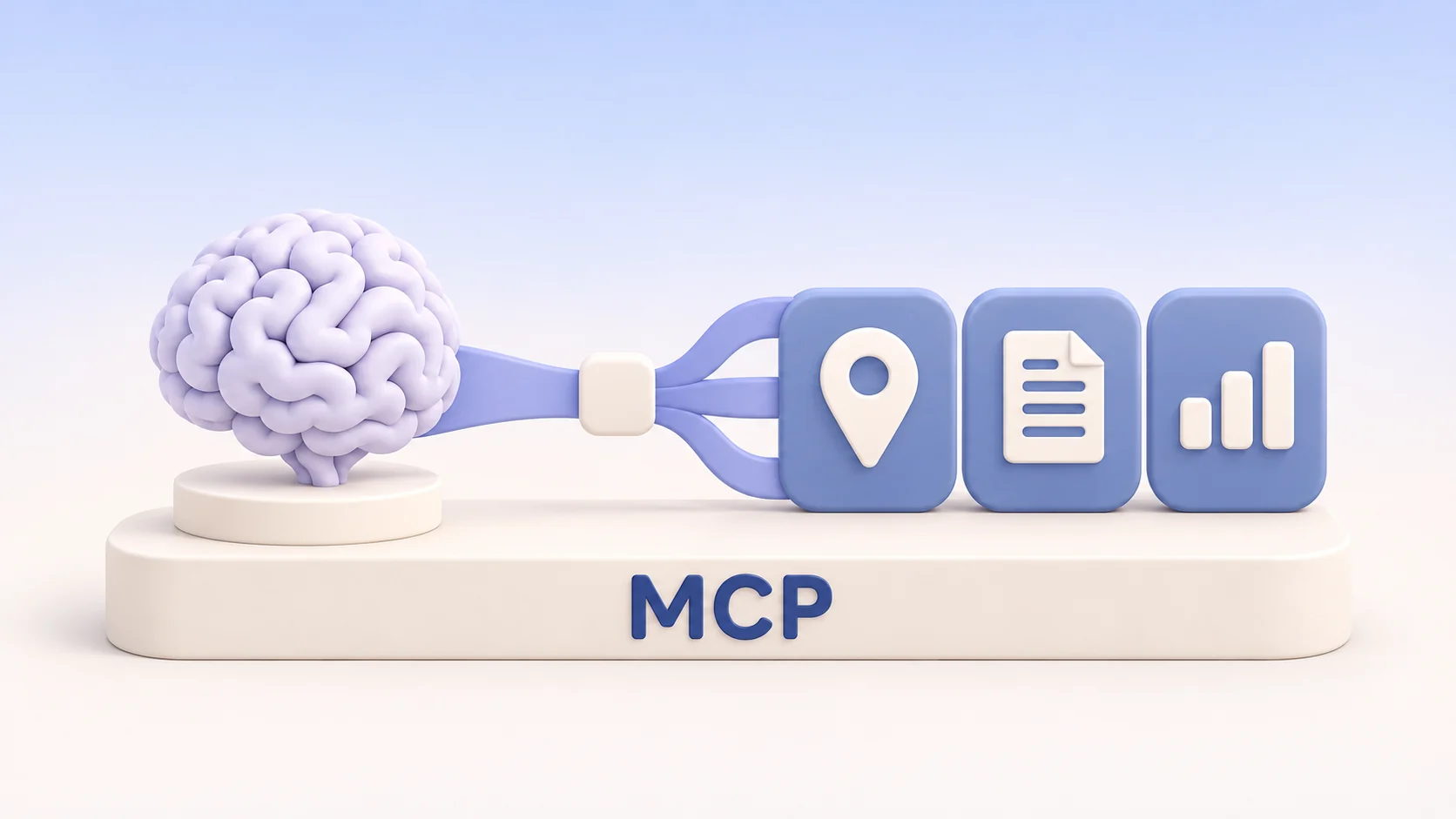
Connect an MCP client to https://govisit.ai/mcp using Streamable HTTP. The public server requires no GoVisit API key. It exposes the same read tools and argument schemas as the GoVisit HTTP API.
Use the endpoint URL in your client’s remote MCP settings. A browser sends a GET to that URL and receives HTTP 405. To inspect the server in a browser, open the Server Card.
List tools and make a first call
In a Node.js project, install version 1 of the MCP TypeScript SDK with npm install @modelcontextprotocol/sdk@1. Run this example in an ES module. It lists the available tools and reads the World catalog counts published on the Places landing page.
import { Client } from "@modelcontextprotocol/sdk/client/index.js";
import { StreamableHTTPClientTransport } from "@modelcontextprotocol/sdk/client/streamableHttp.js";

const client = new Client({ name: "govisit-example", version: "1.0.0" });
const transport = new StreamableHTTPClientTransport(new URL("https://govisit.ai/mcp"));

try {
  await client.connect(transport);
  const { tools } = await client.listTools();
  console.log(tools.map(tool => tool.name));

  const result = await client.callTool({
    name: "get_statistics",
    arguments: { pagePath: "/en/places" }
  });
  if (result.isError) throw new Error(result.content[0]?.text ?? "GoVisit tool call failed");
  console.log(JSON.stringify(result.structuredContent, null, 2));
} finally {
  await client.close();
}
For a page reader, pass the published page’s pathname as pagePath. Search calls take explicit search inputs. Successful calls return the tool result in structuredContent. Check isError and read the returned error details when a call fails. MCP tool calls share the HTTP API’s request quota and execution limits.
Discover the server and its tools
The AI Catalog points to the canonical Server Card, which describes the connection. After connecting, use tools/list for the current inventory and schemas. For examples by capability, filter the Tools reference by MCP.